
AI agents and MCP
Octoboard for AI agents
Coding agents can read your team's work queue over MCP and pick the next ready issue. The people who review their pull requests see them in one place, apart from everyone else's.
- Claude
- GitHub Copilot
- Cursor
- Model Context Protocol
- Codex
- Devin
What it does
For the agent
- A work queue it can read ready_for_agent returns open issues that are unassigned, not blocked and not waiting on refinement, sized ones first. The agent picks from a list your team already groomed.
- Context before it starts Search issues and pull requests, check milestones, risks and blocked work, so the agent does not duplicate open work or start on something stuck.
- Delivery numbers on request Ask for DORA metrics, team stats or a summary from the terminal, without opening a dashboard.
For the people reviewing it
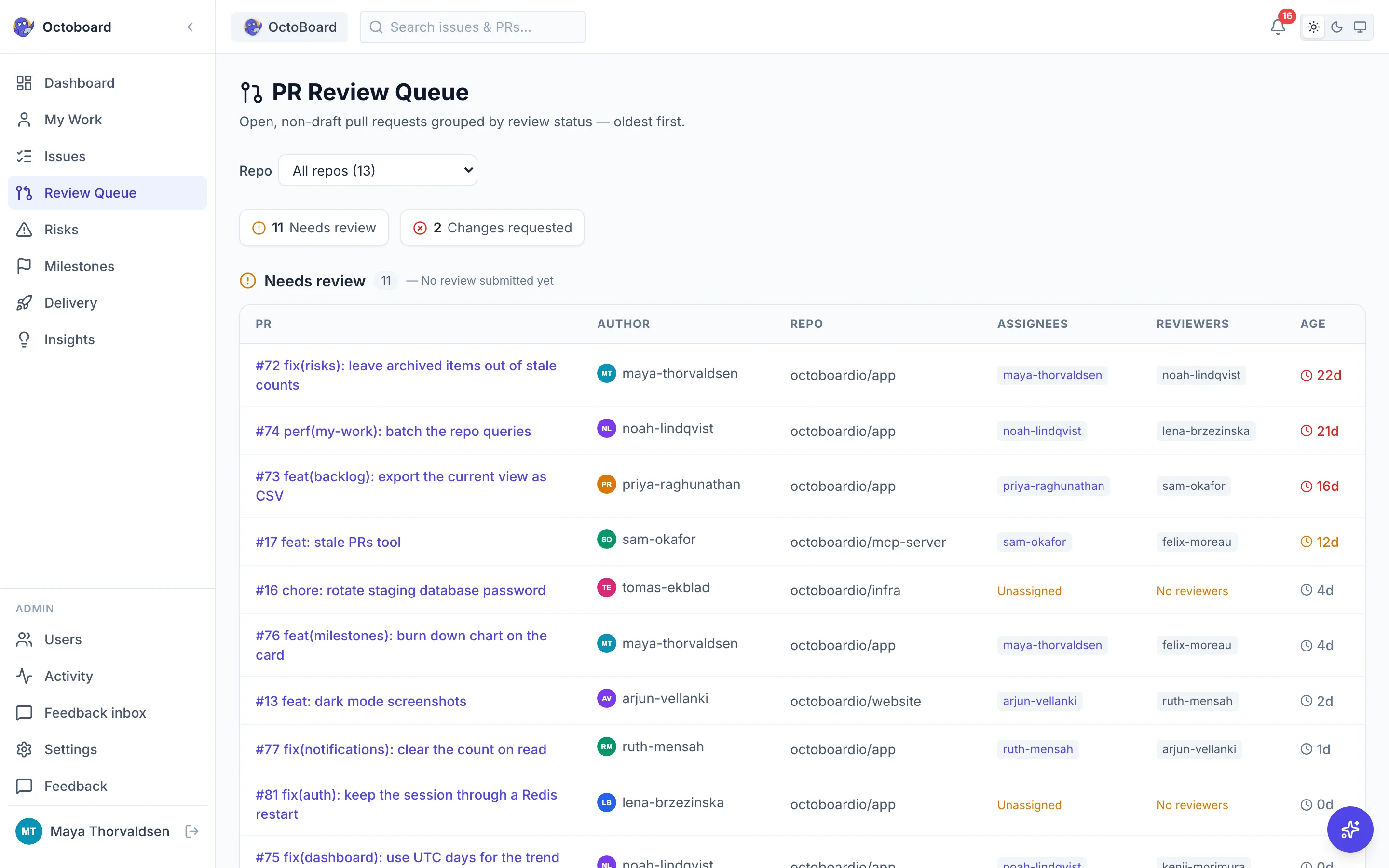
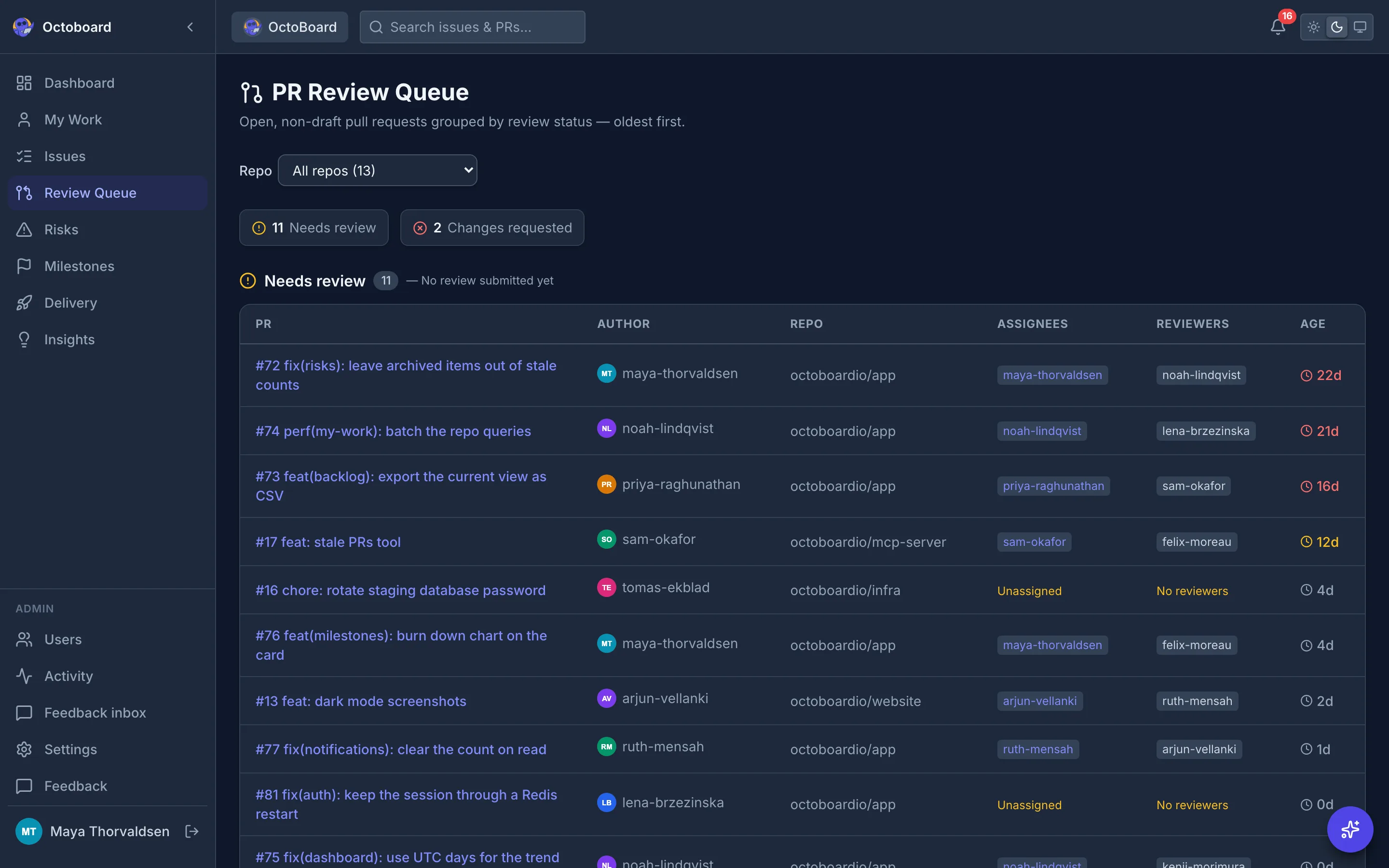
- Agent pull requests, told apart The review queue "Opened by" filter splits pull requests into People, AI agents, Dependency bots and Other automation.
- Nothing waits unseen agent_activity reports how long each open agent pull request has waited for review, and the review queue lists them oldest first.
- Merges and deploys in one place Once a person approves and merges, CI runs and deploys show up in Delivery next to everything else.
Connect your agent
The server lives at https://app.octoboard.io/api/mcp. It speaks streamable HTTP.
- Create an API keySign in to Octoboard and open Settings, then API Keys. Generate a key and copy it.
- Add the server to your agentUse the command or JSON config below. The server speaks streamable HTTP and authenticates with an Authorization: Bearer header.
- Ask for workAsk the agent what it could pick up next. It calls ready_for_agent and reads the list.
claude mcp add --transport http octoboard \
  https://app.octoboard.io/api/mcp \
--header "Authorization: Bearer YOUR_API_KEY"{
"mcpServers": {
"octoboard": {
"type": "http",
"url": "https://app.octoboard.io/api/mcp",
"headers": {
"Authorization": "Bearer YOUR_API_KEY"
}
}
}
}Replace YOUR_API_KEY with the key from Settings, API Keys. Treat it like a password: it can read everything its owner can see in Octoboard.
11 tools, all read only
Every tool only returns repositories the API key's user can access. None of them write to GitHub.
| Tool | What it returns |
|---|---|
| ready_for_agent | Open issues an agent could pick up next: unassigned, not blocked, not waiting on refinement. Sized issues come first, then oldest first. |
| agent_activity | Pull requests from AI coding agents and dependency bots: open ones and how long they have waited for review, plus merges in the period. |
| get_projects | Tracked repositories with their open issue and pull request counts. |
| get_summary | Organization wide totals of open and closed issues and pull requests, with trends. |
| search_issues | Search issues by title, label, assignee, state or repository. |
| search_pull_requests | Search pull requests by title, state, assignee, reviewer or repository. |
| get_risks | Current risk items: stale issues, stale pull requests and work with no assignee. |
| get_blocked_work | Blocked work: pull requests waiting on review, changes requested, stale in progress issues. |
| get_dora_metrics | DORA metrics: cycle time, lead time, deployment frequency and change failure rate. |
| get_team_stats | Issues closed and pull requests merged per person in a period. |
| get_milestones | Milestones with progress, due dates and overdue status. |
See agent pull requests apart from your team's
The review queue has an Opened by filter. Pick AI agents to see only what coding agents opened, oldest first.
- PeoplePull requests opened by your teammates.
- AI agentsPull requests opened by coding agents such as Copilot, Claude, Codex, Devin, Cursor, Jules, OpenHands.
- Dependency botsVersion bumps and security updates from dependency bots.
- Other automationEverything else opened by a bot or an automation account.
Start from the free GitHub PM template
Agents work best on issues that are written, labeled and sized the same way every time. The open source template sets that up in your repository, including AI agents that do the sizing and refinement for you.
octoboardio/github-pm-template- Issue forms
- 26 labels
- A board standard
- 30 workflows
- AI agents for sizing, refinement, backlog triage, docs verification and milestone tidy
- MIT licensed
Questions about agents
What data can an agent see?
Only repositories the owner of the API key can access. Every tool filters results to those repositories, so an agent never sees more than the person who created the key.
Can an agent change anything in GitHub through Octoboard?
No. The MCP tools read data. They do not write to GitHub: no comments, no labels, no merges. Your agent still opens pull requests with its own GitHub access.
Which agents work with it?
Any client that supports remote MCP servers over streamable HTTP with a custom Authorization header. Claude Code has a one line setup, shown above.
Does it cost extra?
No. The MCP server is part of Octoboard, which is free with no per-seat pricing.
How does Octoboard know a pull request came from an agent?
From the pull request author. Known coding agents such as Copilot, Claude, Codex, Devin, Cursor, Jules and OpenHands are grouped as AI agents, dependency bots and other automation accounts get their own groups.
Give your agents a queue, and your reviewers a view
Free for all teams. No per-seat pricing. The MCP server is included.
Product names and logos belong to their owners. Octoboard is not affiliated with or endorsed by them.